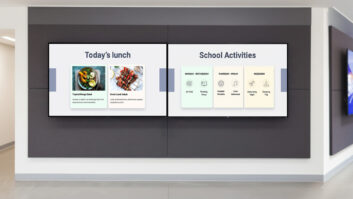
Australian digital signage software provider Fusion Signage has announced an integration with Canva’s design platform, allowing users to create digital signage content and publish it directly to screens without manual export and upload steps. The integration connects Canva’ platform with Fusion Signage’s software, letting users create, manage and publish content across single screens, multiple locations or entire screen networks.
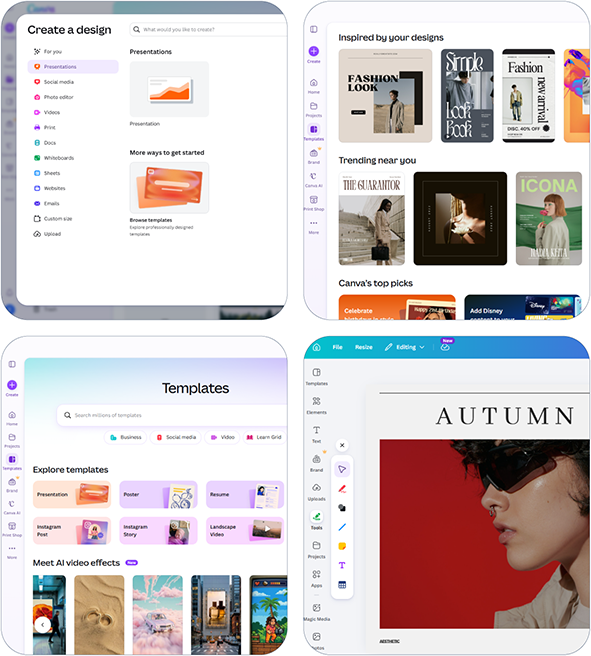 Connecting the two platforms takes two steps: users log into Fusion Signage, go to the Manage section and click Add, then Canva, which takes them to their Canva account. Once a design is ready, clicking Return to Fusion Signage brings the Canva asset in as a media item, which can then be added to playlists, scheduled and deployed to screens like any other content.
David Brummell, operations director at Fusion Signage partner and reseller Complete AV, said: “I was surprised how simple and straightforward this integration makes it to create and publish content. Bringing the two platforms together is genius.”
Rebecca Filling, administration manager at Adventure Park Geelong and a Fusion Signage user, added: “We used to design templates in Canva, download them and then have to recreate editable versions in Fusion Signage. Now our team can edit directly in Canva as it is incredibly easy to connect Canva to Fusion Signage.”
James Ingram, managing director at Fusion Signage, said: “The result is a faster, simpler and more efficient digital signage workflow that helps organisations create better content and get it onto screens with less effort.”
You can subscribe to Installation magazine for free here and the daily newsletter here.